Yes! AnimePirates is 100% free forever. You can stream online in 1080p Ultra HD and download direct files or Telegram files without any mandatory paid subscription.
Official Mobile & Web App
v1.3.4
Watch & Download
Anime & Cartoons
Without Limits.
Stream latest anime like Solo Leveling, Naruto, Jujutsu Kaisen and classic cartoons in 1080p Ultra HD, Dual Audio & Hindi Dub with lightning fast direct cloud downloads.
 AnimePirates
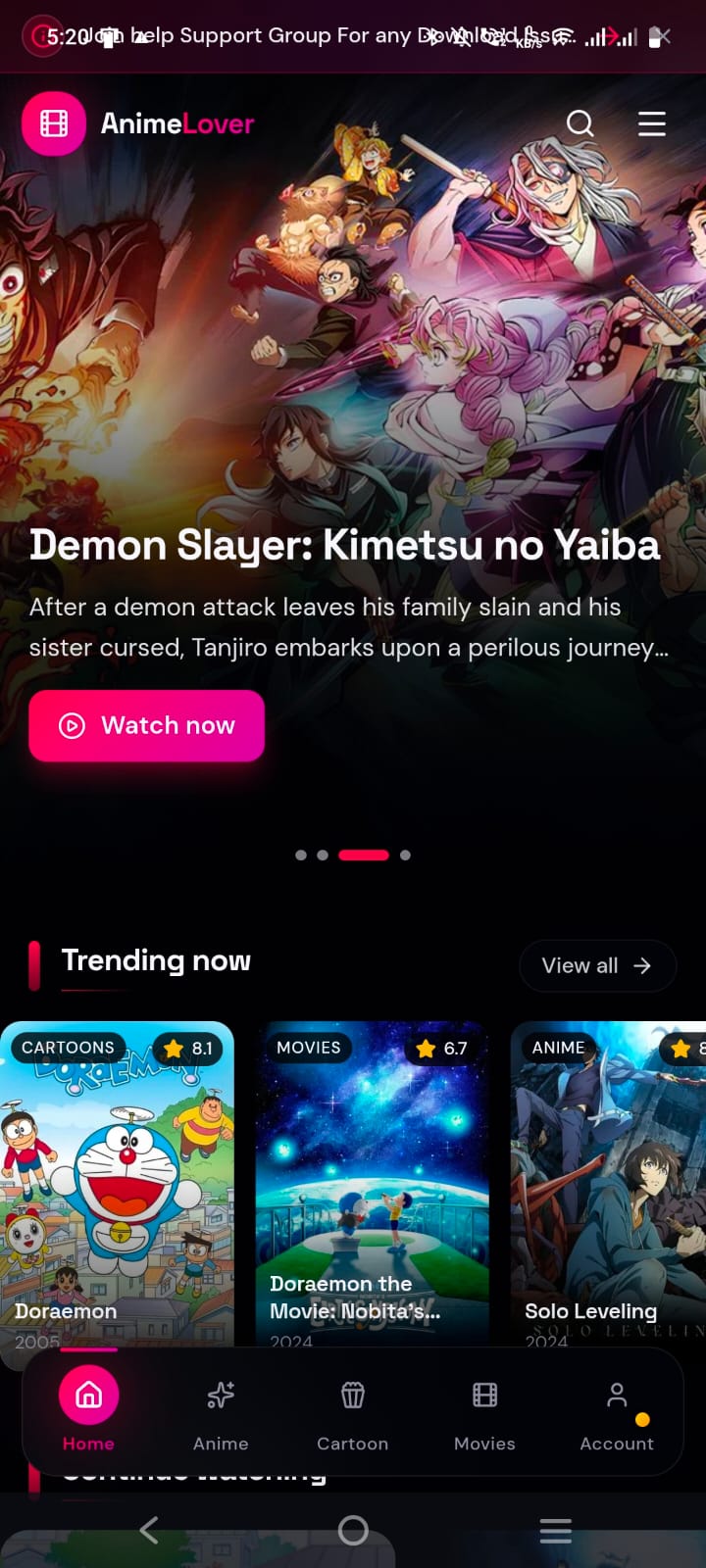
Trending Cartoons & Anime
Zero Buffer Cloud CDN
1-Tap Sync Telegram Bot
IN-APP EXPERIENCE
Designed For Pure Streaming Comfort
Tap tabs below to preview the intuitive player, cartoon catalog, download manager, and analytics engine.
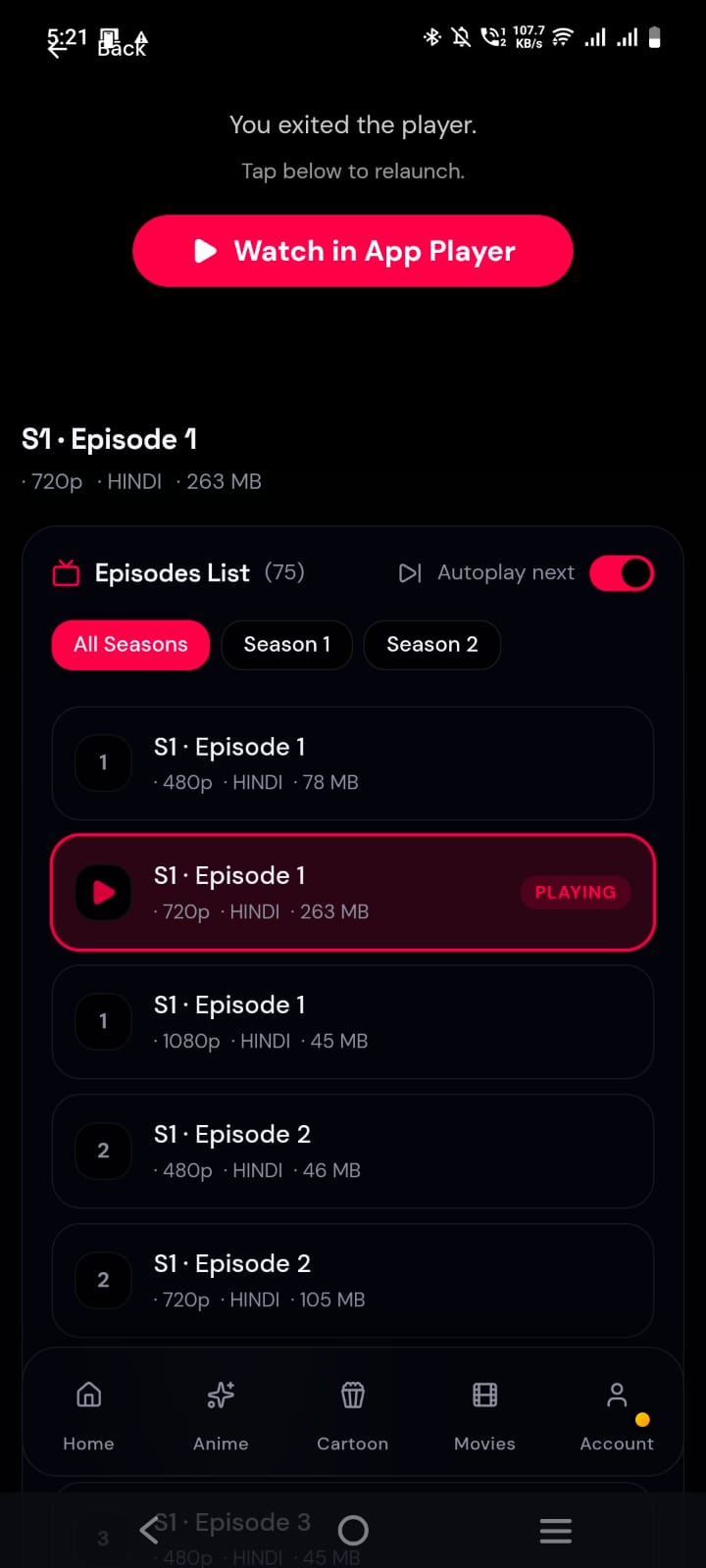
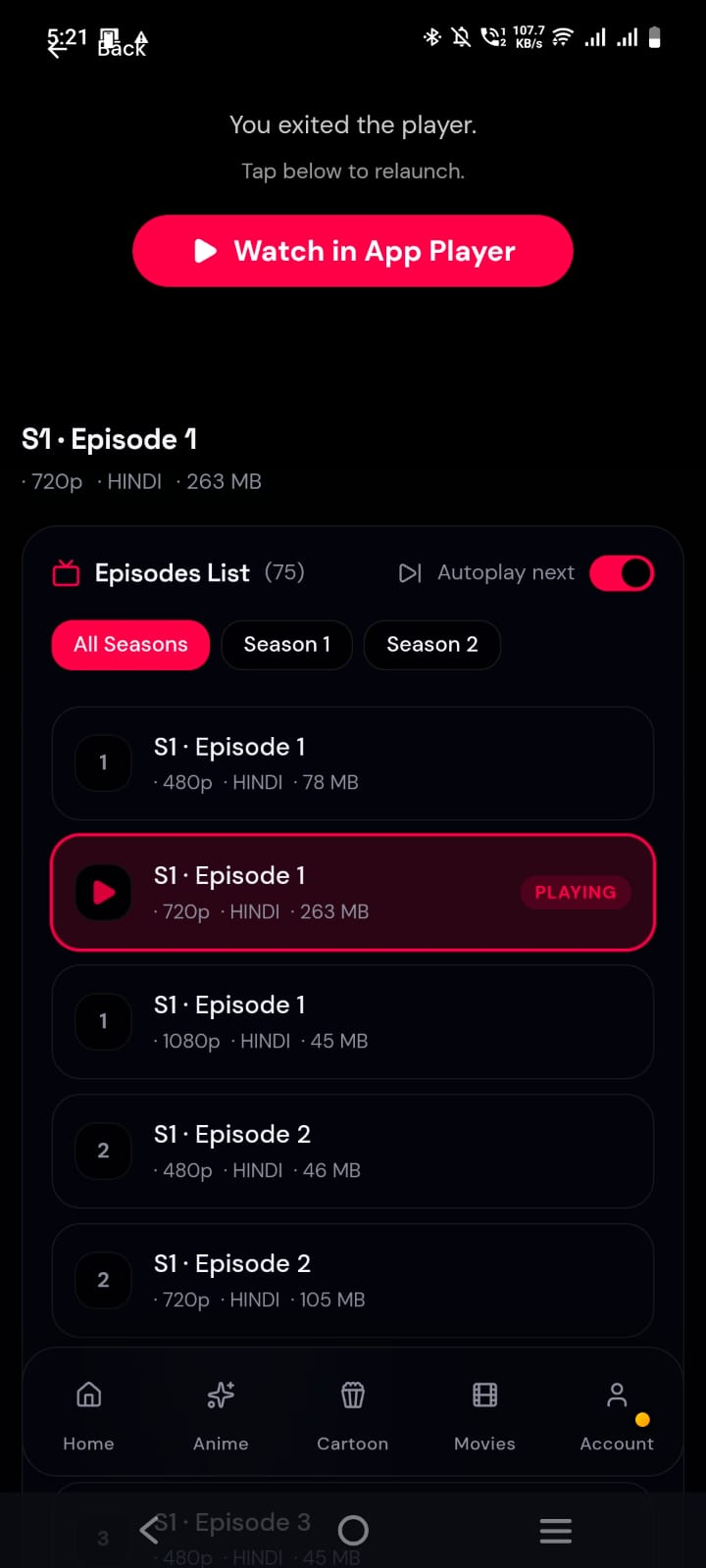
1080p Ultra HD
Hindi Dubbed
Ultra HD In-App Streaming Player
Switch between Hindi Dub, English Sub/Dub, and original Japanese audio on the fly with zero buffering and auto-next episode playback.
Dual Audio (Hindi & English)
Resume from last watched position
Multiple fast CDN mirror servers
33,000+ Titles
IMDb Rated
Trending Anime & Classic Cartoons
Explore an extensive catalog ranging from Shonen hits to childhood favorites like Doraemon, Shin Chan, and Pokemon organized with ratings and tags.
Doraemon, Shin Chan & Ninja Hattori
Full Anime Movies & Complete Seasons
Filter by Hindi Dub, Genre & Year
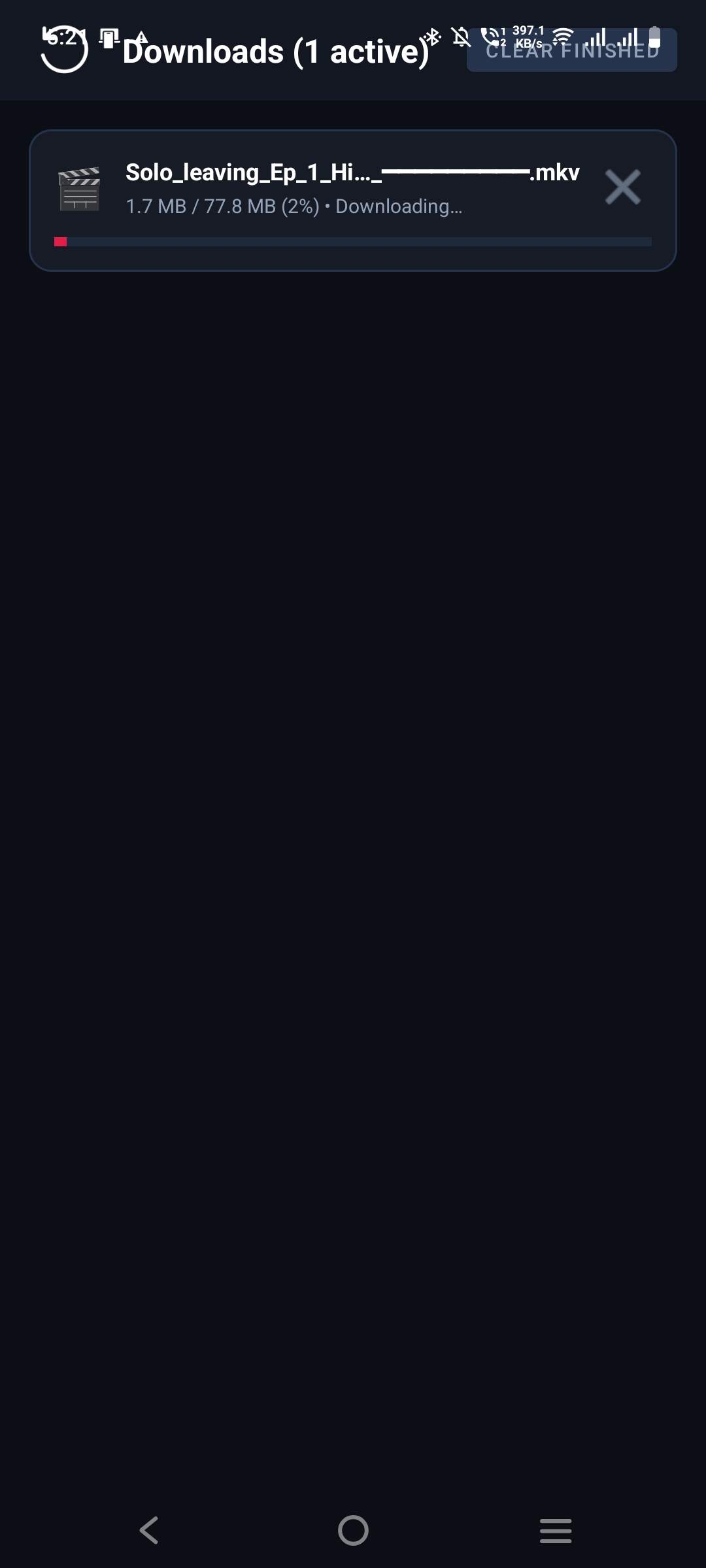
Fast CDN
21k+ Downloads
Direct High-Speed Download Engine
Download full seasons or individual episodes straight to your device storage with pause/resume support and dedicated Telegram bot links.
Unlimited direct cloud bandwidth
Telegram 1-tap download bot integration
100% resume capability on slow networks
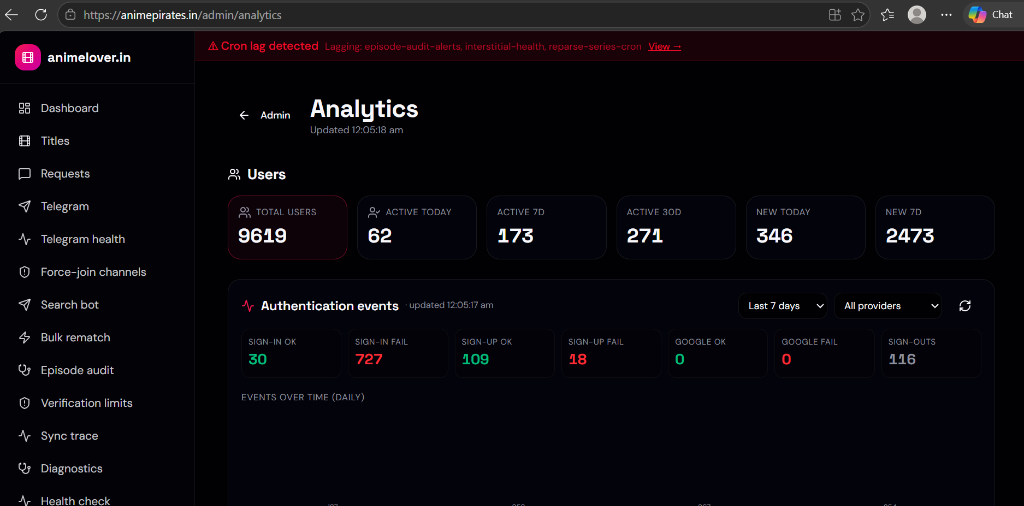
99.9% Uptime
9,600+ Users
Automated Episode Sync & Uptime
Our infrastructure continuously auto-syncs new episode broadcasts and runs real-time integrity audits to guarantee dead-link-free streaming.
Instant new episode alerts
Multi-region load balanced mirrors
24/7 server health verification
WHY ANIME PIRATES
Everything You Need In One Place
Built specifically for an uninterrupted, ad-light anime streaming and downloading experience.
1080p Ultra HD Streaming
Multiple high-speed cloud players with subtitles, dual audio, and speed controls for smooth playback.
POPULAR
Direct Fast Downloads
Download entire seasons with pause/resume support directly into your phone storage at maximum speeds.
Telegram Bot Integration
1-tap file delivery to your Telegram chat or saved messages for cloud streaming and zero data loss.
Hindi Dub + Cartoons
Massive library of Hindi dubbed anime, movies, and childhood cartoons like Doraemon and Shin Chan.
Instant Episode Alerts
Get notified the second a new episode drops so you never miss the latest release.
Clean, Lightweight & Safe
100% clean APK with no battery draining bloatware or malware. Scanned clean on VirusTotal.
SETUP GUIDE
How To Install AnimePirates
Choose your platform for a simple 3-step setup walkthrough.
1
Download APK File
Click the Download APK button to save AnimePirates-v1.3.4.apk (95.46 MB) to your device.
2
Allow Unknown Sources
If prompted by Android Security, enable "Allow install from this source" in your browser or Files app settings.
3
Install & Start Watching
Tap the downloaded file in your notification bar, tap Install, and launch AnimePirates!
1
Open Safari on iPhone
Launch Safari and visit official website: https://animepirates.in.
2
Tap Share Button
Tap the Share icon (the square with an upward arrow) on Safari's bottom toolbar.
3
Add to Home Screen
Select "Add to Home Screen" and tap Add at top right for full native app view.
1
Open Chrome / Edge
Open https://animepirates.in on your Windows or Mac PC browser.
2
Click Install App Icon
Look for the Install App icon on the right side of the address bar.
3
Launch Desktop App
Click Install to add AnimePirates as a standalone desktop app to your Taskbar.
24/7 SUPPORT & COMMUNITY
Connect With Our Team & Community
Join our official channels, ask for series requests, or get instant VIP payment assistance.
CHANNEL
Official Telegram Channel
Get instant notifications for new episodes, broadcast schedule, and fast cloud download bot links.
Join Channel 24/7 HELP
Download & Series Help Group
Need help downloading or want to request missing anime/cartoons? Chat directly with admins and fans.
Join Support Group VIP PRIORITY
Premium & Payment Helpdesk
Facing subscription purchase issues or UPI/Card payment queries? Message our WhatsApp desk for 1-on-1 resolution.
Chat on WhatsApp33,246+
Episodes & Movies
9,619+
Active Users
21,263+
Downloads
4.9 / 5
User Satisfaction
FAQ
Frequently Asked Questions
Everything you need to know before installing AnimePirates.
Yes, we provide Hindi Dubbed, English Dubbed, and original Japanese audio tracks with subtitles. You can easily switch audio languages right inside the player.
Absolutely. Our APK is verified clean with 0 detections on VirusTotal. It contains no spyware, malware, or background battery drainers.
Each episode page contains a "Telegram Download" link. Tapping it opens our automated Telegram bot which instantly sends you the video file for fast downloading.
Ready To Start Binge Watching?
Join thousands of anime fans streaming and downloading their favorite shows every day on animepirates.in.
100% Free Forever
Android 6.0+ Compatible
Verified Virus-Free